
PlayHashForge
by PlayHashForge
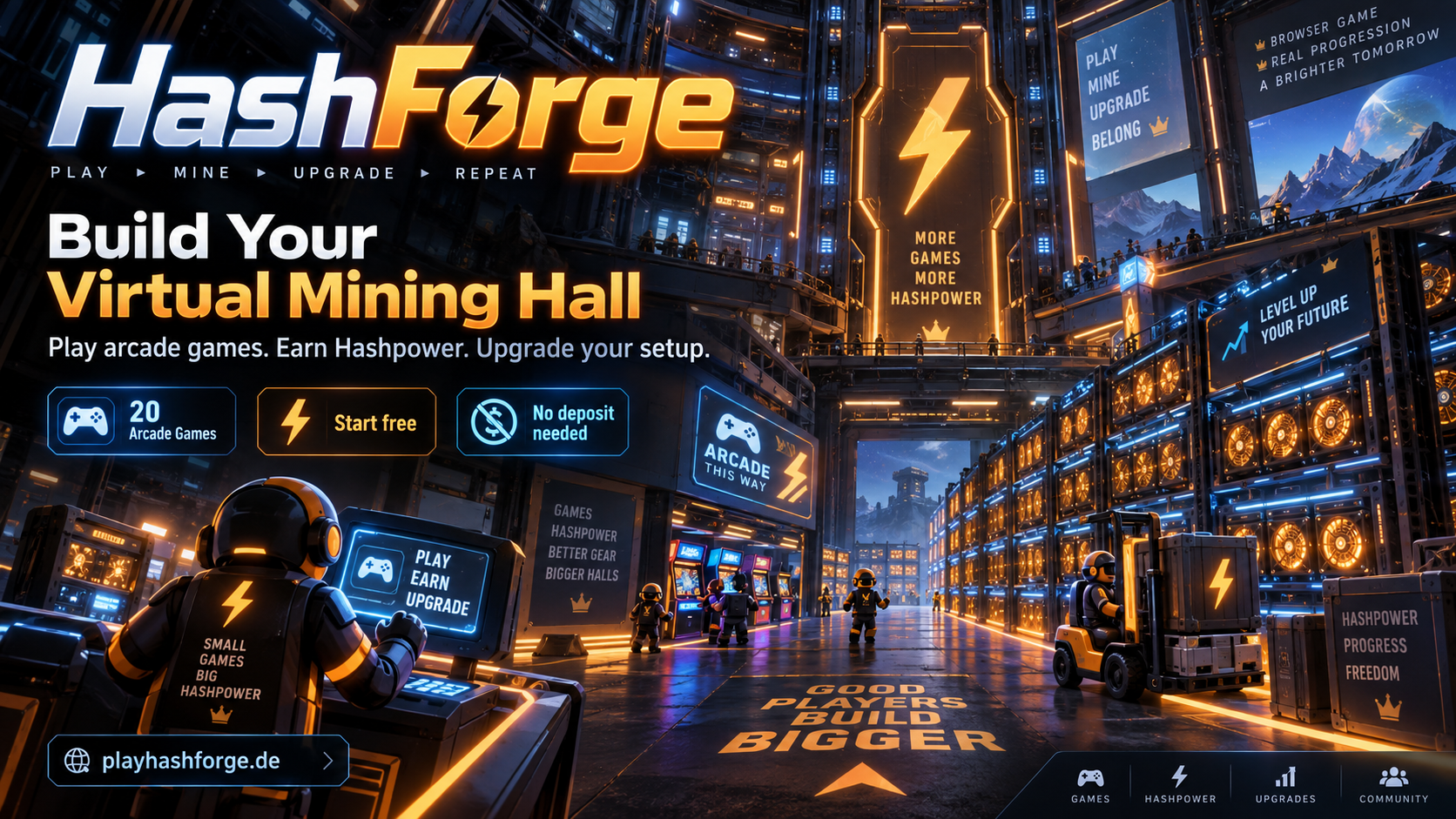
Build your own virtual crypto mining empire, upgrade miners, play 20 arcade games, and earn HFX rewards in this free browser-based mining simulation.
📱 PhoneKeyboardMouseTouchSingle player⏱ 30+ minutesFree
Opens playhashforge.de in a new tab. GameHub does not host this game.
PlayHashForge is a free browser game where you build and manage your own virtual crypto mining operation. You start with a small setup and gradually expand your Mining Hall by purchasing miners, installing hardware in racks, and distributing your available hashpower.
Mining works through 24-hour shifts. Once you activate a shift, your miners generate HFX during 10-minute mining cycles. The more you develop your hardware setup, the more opportunities you have to improve your mining performance. You decide when to invest in new equipment, expand your facilities, or save your HFX for later.
When you want a break from mining, you can visit the Arcade and choose from 20 different mini-games. Each game has its own mechanics and cooldown period. You can also complete missions, participate in special events, and visit the Offers section to earn additional HFX by completing available partner offers.
PlayHashForge also features an internal market, a currency exchange, and a wallet system. Players can manage their HFX balance, exchange it for supported cryptocurrencies, and request withdrawals when the applicable requirements are met. Withdrawal requests are reviewed before processing, and fees may apply.
The game runs directly in your browser without requiring any downloads or installations. You can return to your Mining Hall, start a new shift, check your progress, or play a few arcade games whenever you have time.
PlayHashForge is designed for players who enjoy building something over time rather than simply clicking through endless levels. Your mining operation develops through the decisions you make, the hardware you purchase, and the time you spend managing your setup.
You can register for free and start playing.
How to play
PlayHashForge runs in a desktop or mobile browser at playhashforge.de, with nothing to install. It supports keyboard, mouse and touch controls. It is a single-player game. A typical session lasts 30+ minutes.
- Genre
- Simulation
- Devices
- Desktop, Phone, Tablet
- Controls
- Keyboard, Mouse, Touch
- Players
- Single player
- Session
- 30+ minutes
- Price
- Free
- Status
- Released
- Made with
- Other
Is this listing broken or wrong?